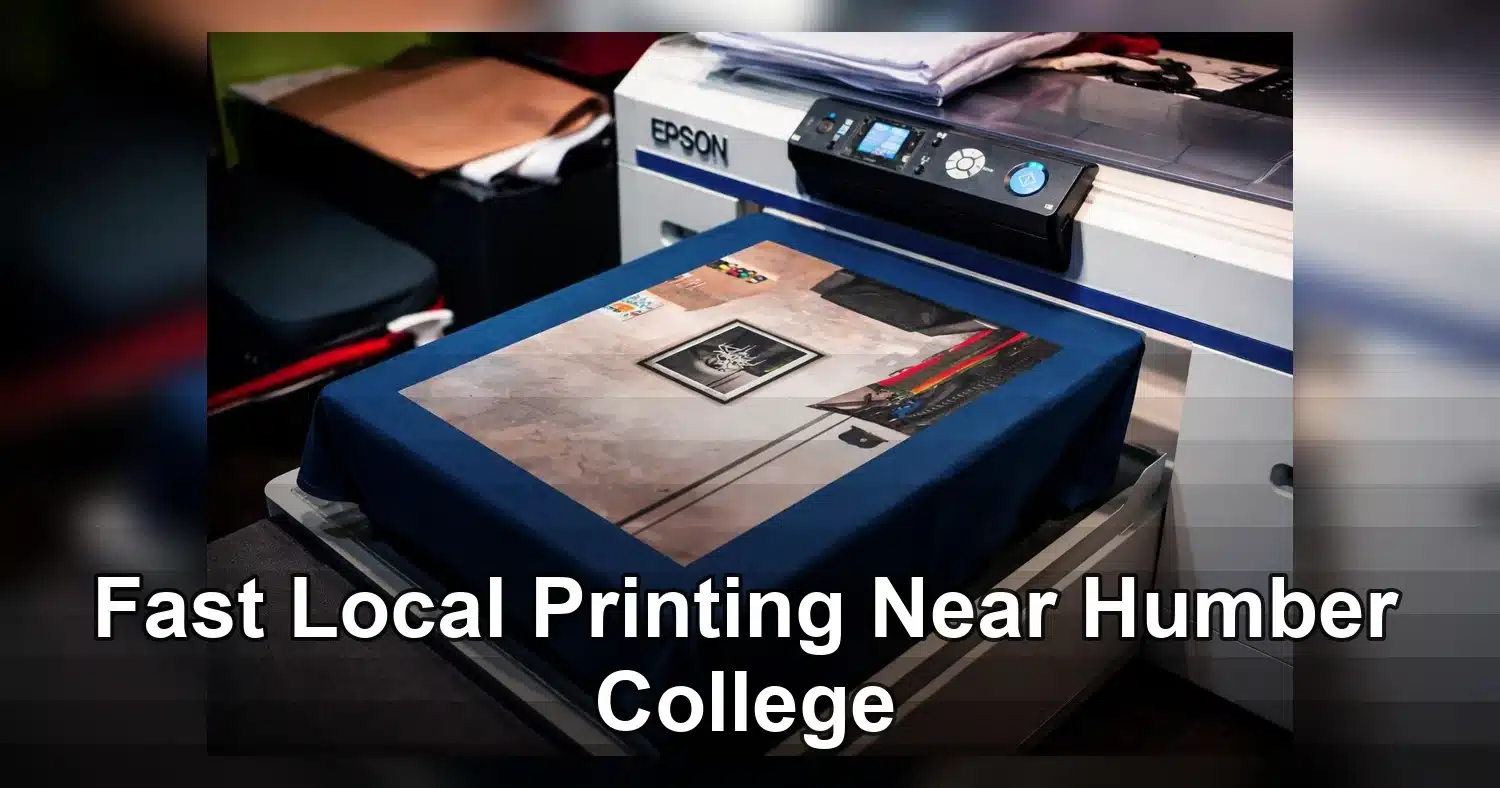
If you are searching for printing printing near Humber College, the fastest way to get a useful result is to match the job to the right provider. Simple class handouts, short-run documents, and basic copies may be fine on campus. Business cards, presentation binders, marketing flyers, posters, and rush jobs with finishing usually make more sense at a local commercial printer. Around Humber College North Campus, there are several nearby print providers to compare for speed, pricing, and pickup convenience, as shown in local printer listings near Humber College North Campus.
Last updated: April 2026

This guide is for students, campus organizers, and local business owners who want practical buying advice. It explains when campus services are enough, when an off-campus print shop is the better choice, what affects turnaround and cost, and how to prepare files so your order moves from quote to pickup without avoidable delays or reprints.
Where to get printing printing near Humber College
The easiest way to choose printing printing near Humber College is to match the job to the provider: campus services for simple student work, and nearby commercial print shops for larger, faster, or more polished projects.
| Option | Best for | Typical strengths | Limits | Good fit when |
|---|---|---|---|---|
| Humber campus printing | Class handouts, essays, posters, basic black-and-white work | Convenient for students, familiar file workflow, easy for quick small jobs | Less ideal for large-volume or specialty finishing | You need a few pages fast and are already on campus |
| Guelph-Humber academic printing | Student assignments and routine academic jobs | Built for campus users and standard school printing needs | Usually not the best choice for event marketing pieces or large batches | You want a simple academic print with minimal turnaround risk |
| Nearby commercial print shop | Flyers, booklets, business cards, banners, presentations | Better finishing, more paper choices, higher-volume production | May require lead time and file prep | You need a polished result or a deadline that cannot slip |
| UPS Store or similar local service | Urgent copies, document sets, quick pickup jobs | Flexible service, helpful for same-day errands, often easy to reach | Less specialized than a full commercial print house | You need fast output and simple finishing like stapling or binding |
What to choose for your job type
If you are printing a class handout, a one-page notice, or a basic draft, campus is often enough. For a student group ordering event flyers, a business needing branded materials, or a club putting together a booklet, a local off-campus shop is usually the smarter option.
If you want to compare actual businesses near the campus, a local directory such as printers near Humber College North Campus can help you see who is nearby and which services each shop offers.
Fast rule of thumb
- Use campus printing for small, standard, low-complexity jobs.
- Use a local print shop for color consistency, binding, folding, trimming, and bigger quantities.
- Use a shop with rush capability if your pickup window is tight or your files are not yet finalized.
When campus printing is enough and when a local shop is smarter
Campus printing is enough for straightforward student work, but a local commercial shop is smarter once your job needs volume, finishing, or dependable production timing.
Campus printing works well for
- Essays, readings, draft proposals, and single-sided handouts
- Small sets of black-and-white pages
- Simple color prints for class presentations
- Quick reprints when you only need a few copies
For Humber and Guelph-Humber students, the campus system is designed around everyday academic printing. That makes it practical for routine jobs that do not need special papers, exact color matching, or commercial finishing options. You can review the school’s own academic printing options at Humber if you want to confirm the basics before sending a file.
A local shop is better for
- Flyers, posters, menu sheets, and promotional handouts
- Booklets, saddle stitching, coil binding, and laminating
- Large print runs for student clubs, events, or business promotions
- Projects where paper stock, trim quality, or color consistency matters
If you are printing 100 flyers for a campus event, the job may technically fit on campus, but a commercial printer can often deliver cleaner trims, better stock choices, and a more polished look. The same is true for business cards, presentation folders, or branded materials where appearance affects credibility.
Think beyond page count
Choose campus printing when the job is simple and the deadline is flexible. Choose a local print shop when any of these are true:
- You need finishing like folding, stapling, binding, or lamination.
- You need a larger quantity with consistent quality.
- You need special sizes, heavier paper, or full-color production.
- You cannot risk file issues or printer queue delays.
For student groups and local businesses searching for Printing near Humber College, the tipping point is usually not price alone. It is whether the job needs professional output that campus devices were not built to handle efficiently.
Turnaround time, pickup windows, and rush-order planning
The safest turnaround plan is to treat same-day campus printing as a backup, not a guarantee, and to use a local print shop when timing is critical.
How to plan by deadline
If your job is due today, start with production time first and pickup second. A file sent at 2 p.m. may still miss your window if the queue is busy, the paper stock needs changing, or the order needs trimming. For same-day jobs, simple black-and-white prints are usually the easiest to complete on campus.
For next-day deadlines, commercial printers near Humber College are often a better choice because they can stage jobs, batch production, and prepare finishing in advance. That matters for organizers who need posters, flyers, and folded handouts before an event opens.
Common timing scenarios
- Same-day: Best for short academic jobs, last-minute copies, or emergency reprints.
- Next-day: Better for small event orders, color handouts, and light finishing.
- 48 hours or more: Ideal for booklets, larger batches, specialty paper, and branded materials.
Pickup window mistakes to avoid
- Sending files too close to class or event start time
- Assuming the printer will finish without a proof or setup check
- Forgetting that binding, folding, and trimming add time
- Not accounting for travel time from campus to the shop
The Guelph-Humber campus pages on student printing support are useful if you want to understand the campus side of the workflow before you commit to a deadline. If your order matters for an event, call ahead and ask whether the shop can handle rush production and when pickup is actually available.
Simple rush-order checklist
- Confirm the final file format and page count.
- Ask whether proofing is required.
- Check if finishing changes the pickup time.
- Build in travel time, especially during peak campus hours.
- Keep a backup plan for reprints or file corrections.
What affects pricing for flyers, posters, business cards, and binders
The biggest drivers of print cost are format, quantity, paper, color coverage, finishing, and how ready your file is for production. If you are comparing quotes for Printing near Humber College, small specification changes can move the price more than many buyers expect.
Size and sheet setup
Size affects how efficiently a job fits on press sheets. A standard 8.5 x 11 flyer is usually cheaper per piece than an unusual custom size because it imposes cleanly and creates less waste. The same applies to posters. An 11 x 17 poster often costs less than a custom trim size with the same artwork.
Color and ink coverage
Black-only printing is usually the budget option. Full-color jobs cost more, especially when the design has heavy solids, dark backgrounds, or photos edge to edge. A simple one-sided event handout is priced differently from a double-sided, full-bleed promo flyer.
Paper stock and finish
- Flyers often use 100 lb text or 80 lb cover
- Posters may use gloss text for sharper images
- Business cards commonly use 14 pt or 16 pt cardstock
- Binders can involve printed inserts, tabs, and heavier covers
Thicker stocks, coated sheets, and specialty materials raise the price. Matte, gloss, soft-touch, and uncoated finishes also change both cost and feel.
Quantity and setup
Short runs have a higher cost per piece because setup is spread over fewer units. Ordering 500 business cards is not simply five times the price of 100. In many cases, the unit cost drops as the quantity increases.
Finishing and binding
Coating, lamination, folding, scoring, drilling, shrink wrapping, saddle stitching, wire binding, and tabbing all add labor and materials. Binders are especially variable because pocket configuration, spine inserts, and custom tab sets affect the final quote.
File cleanup and proofing
If your artwork needs bleed added, low-resolution images replaced, colors corrected, or margins rebuilt, expect prepress charges. A press-ready PDF is cheaper than a file that needs repair. Before ordering, ask whether the quote includes a digital proof, minor file fixes, and any changes after approval.
File specs that prevent reprints and delays
Most reprints happen because the file looked fine on screen but was not built for print. A simple preflight routine before submission can prevent soft images, cut-off text, white edges, and color surprises.
Use this preflight checklist before you upload
- Export as PDF for print. Use PDF/X-1a or PDF/X-4 if your printer accepts it. Avoid sending screenshots, PowerPoint files, or social-media exports.
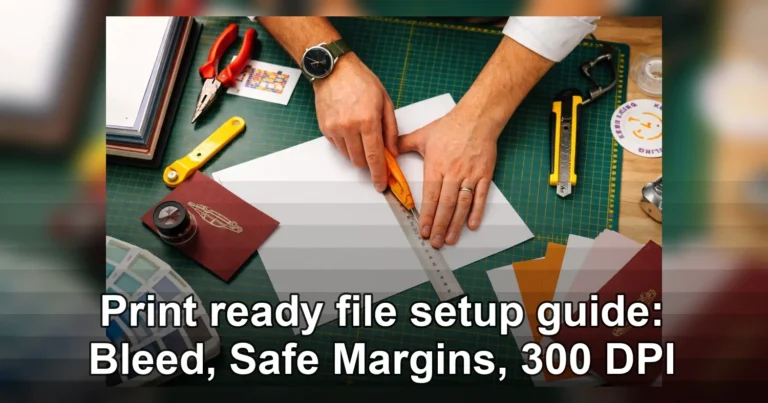
- Add bleed. Set 0.125 inch bleed on all sides for jobs with background color, images, or graphics that extend to the edge.
- Keep a safe margin. Keep text and logos at least 0.125 inch from the trim, and 0.25 inch is safer for business cards and small formats.
- Check resolution. Use 300 dpi at final print size for photos and raster graphics. A 72 dpi web image will still print blurry even if you enlarge it in the layout.
- Use CMYK when possible. RGB files can shift in print, especially bright blues, greens, and neon-like colors.
- Embed fonts or outline them. Missing fonts can reflow text and change line breaks.
- Review pages and sides. Confirm page order, orientation, duplex settings, and whether blank pages are intentional.
- Flatten the basics. Remove hidden layers, unused elements, and accidental overprints unless you know they are needed.
Crop marks and export settings
Crop marks are useful when requested, but they should sit outside the bleed area and not cut into artwork. In your PDF export settings, include bleed, preserve image quality, and avoid aggressive compression. Downsampling too hard is a common cause of soft posters.
Common mistakes to catch
- Black text built as rich black instead of 100% K, which can look fuzzy
- QR codes placed too small to scan comfortably
- White border intended on one side only because the artwork is not centered
- Business card contact details too close to the trim
- Canva or design-app exports made in standard quality instead of print quality
Before approving, zoom to 200% and read every phone number, URL, date, and room number. Proofreading is cheaper than a rerun.
How to choose a reliable Printing near Humber College provider
A reliable printer is not just the lowest quote. The best local choice combines accurate proofing, responsive communication, convenient pickup, and equipment that matches the type of job you actually need.
Check reviews for the right signals
Look beyond star ratings. Read recent reviews for details about print quality, order accuracy, staff helpfulness, and whether deadlines were met. It also helps to compare printer listings near Humber College North Campus so you can see which shops consistently appear and which services they advertise.
Ask about proofing and communication
For flyers, posters, business cards, and binder inserts, proofing speed matters. A good provider should tell you:
- Whether they send a digital proof before production
- How revision rounds are handled
- Who to contact if a file has issues
- What happens if colors, folds, or page order need confirmation
If they are slow or vague before the order, that usually does not improve once the job is in production.
Evaluate location convenience
For businesses, campus organizers, and student groups, pickup logistics matter. Check how easy the shop is to reach from Humber College, whether parking is realistic for box pickups, and whether TTC access is simple if you are carrying posters or binders. A nearby shop is especially useful when you need to review a printed proof or replace a damaged piece quickly.
Match the shop to the job
Not every provider is set up for every format. Before choosing a local Printing printing Humber College option, ask whether they handle:
- Short-run and medium-run flyer quantities
- Wide-format poster printing
- Premium business card stocks and finishes
- Tabbing, collating, and binding for presentations or course packs
- Basic design cleanup if your PDF needs correction
The right provider should explain capabilities clearly, quote transparently, and flag file issues before they become expensive reprints.
Common mistakes that cost time and money
The fastest way to overspend on printing printing near Humber College is to submit the wrong file, the wrong quantity, or the wrong stock at the last minute. Most expensive print problems are avoidable, and they usually show up when student groups, local businesses, and campus organizers rush an order without checking the basics.
Ordering too late
Last-minute orders almost always cost more. Rush fees, limited stock choices, and fewer proofing rounds can turn a simple flyer or poster run into a stressful same-day job. This is especially common around orientation, club fairs, open houses, and end-of-term events near Humber. If your handout must be ready for a fixed campus date, leave enough time for proof approval, printing, trimming, and pickup.
Using low-resolution images
A logo pulled from Instagram or a screenshot from a phone often looks acceptable on screen but prints blurry. For posters, retractable signage, and business cards, use high-resolution images and vector logos whenever possible. A 72 dpi web graphic is a common reason for soft, pixelated output and costly reprints.
Forgetting bleed and safe margins
Designs that run to the edge need bleed, usually 0.125 inches on each side. Without it, you can get thin white edges after trimming. Text placed too close to the cut line can also be chopped off. This mistake shows up often on flyers, menus, postcards, and event posters.
Giving unclear quantities and versions
“About 200” is not a print quantity. Neither is sending one file and later mentioning there are three versions for different audiences. Be precise about:
- Exact quantity
- Finished size
- Single-sided or double-sided
- Black and white or full colour
- Number of versions
- Stapling, folding, drilling, or binding
Choosing the wrong paper for the job
Paper affects both cost and usability. Gloss text stock may work for promotional flyers, but it is a poor choice if people need to write on the piece. Heavy cardstock looks great for business cards, but it may be unnecessary for one-day handouts. Many nearby printer listings around Humber College offer different stocks and finishing options, so asking for recommendations before production can prevent waste.
Quick pre-submission checklist
- Confirm final quantity and all versions.
- Export a print-ready PDF.
- Check image quality and logo sharpness.
- Add bleed and keep text inside safe margins.
- Match paper to the real use case, not just appearance.
Before you place an order, lock down four details: quantity, size, deadline, and file readiness. Then ask the provider to confirm proofing time, finishing options, and the exact pickup window. If your job is time-sensitive, high-volume, or customer-facing, getting a quote from a reliable printing provider near Humber College is the smartest next step.
Helpful External Resources
These sources provide supporting background and additional context.
- Humber+College+ +North+Campus+Toronto+On
- Academic Printing
Where can I get same-day printing printing near Humber College?
Local print shops near Humber College are usually the fastest option for same-day orders, especially for flyers, posters, reports, and handouts. Send your files early in the day, confirm stock and turnaround, and ask about rush pickup before placing the order.
Is campus printing cheaper than a local print shop near Humber College?
Campus printing can be more affordable for basic black-and-white student jobs, while local shops often cost more but offer faster service, color options, and finishing choices. For larger quantities, rush jobs, or polished marketing pieces, a nearby print shop may be the better value.
What file format should I send for flyers, posters, or reports?
PDF is usually the best format because it preserves layout, fonts, and images. For cleaner results, use high-resolution images, embed fonts if possible, and make sure any bleed or trim settings match the printer’s requirements.
Can local printers near Humber College handle binding, lamination, and rush pickup?
Yes, many local print shops near Humber College offer binding, lamination, cutting, stapling, and rush pickup. If you need a finished presentation or last-minute materials, ask about same-day finishing when you request a quote.
What should I prepare before ordering printing near Humber College?
Have your final file ready, know the size, quantity, paper type, and any finishing needs, and check whether you need color or black and white. Clear instructions help you get faster pricing and avoid delays.
Get a Free Quote Today
Contact us at +1-(416) 288-8661 or Email us at info@Brandingcentres.com and let's get started.