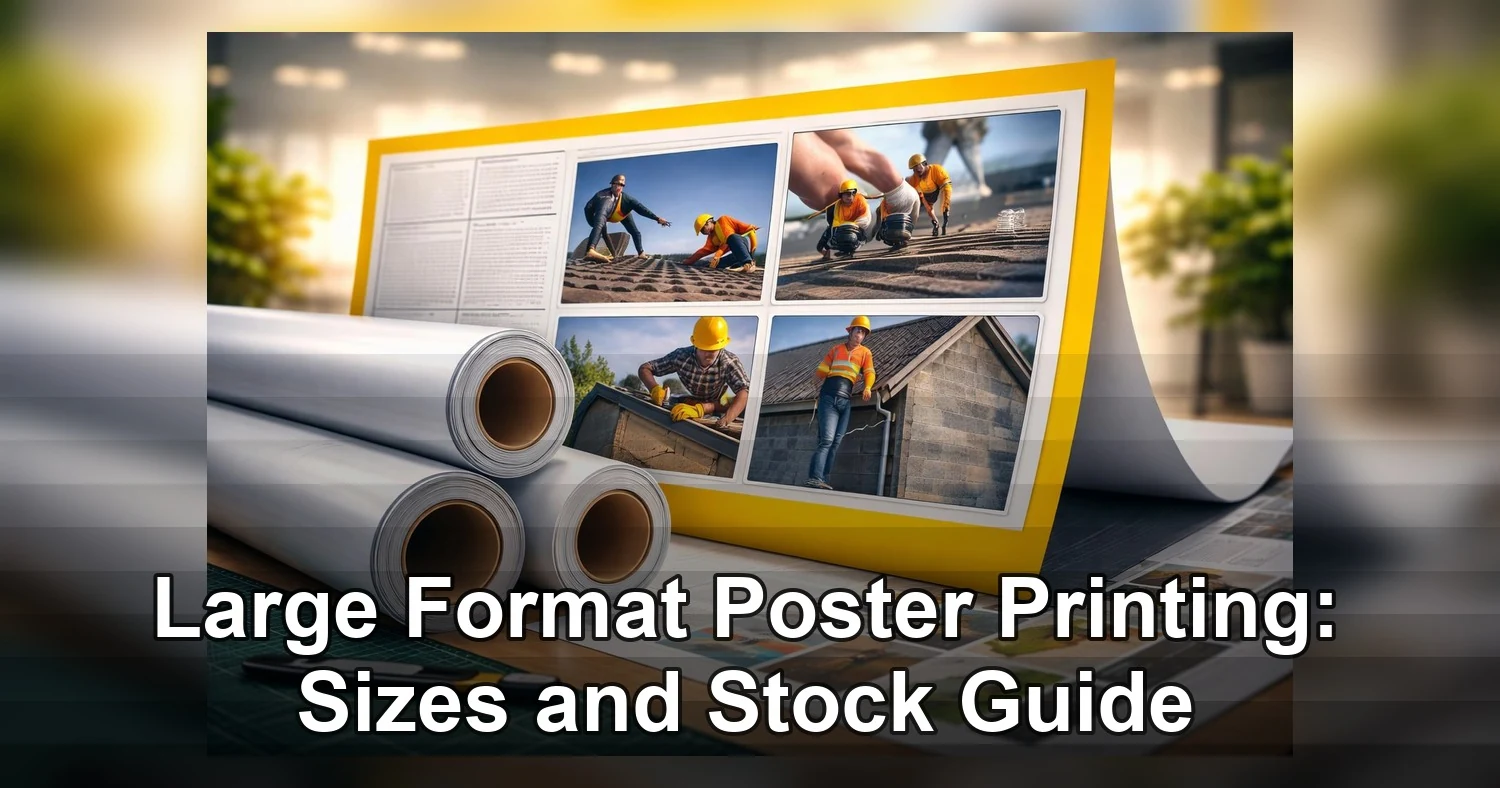
Large format poster printing is one of the simplest ways to get a commercial message seen without paying for a permanent rigid sign when a paper-based display will do the job. For standard poster work, 24 to 48 hours is a common turnaround, and 24 x 36 is still one of the most practical sizes for windows, easels, lobby boards, booth walls, and temporary notices.
Last updated: August 2026
Ready to print poster printing?
Send your artwork, quantity, and deadline to Branding Centres. We will help confirm specs, turnaround, and the best production option.
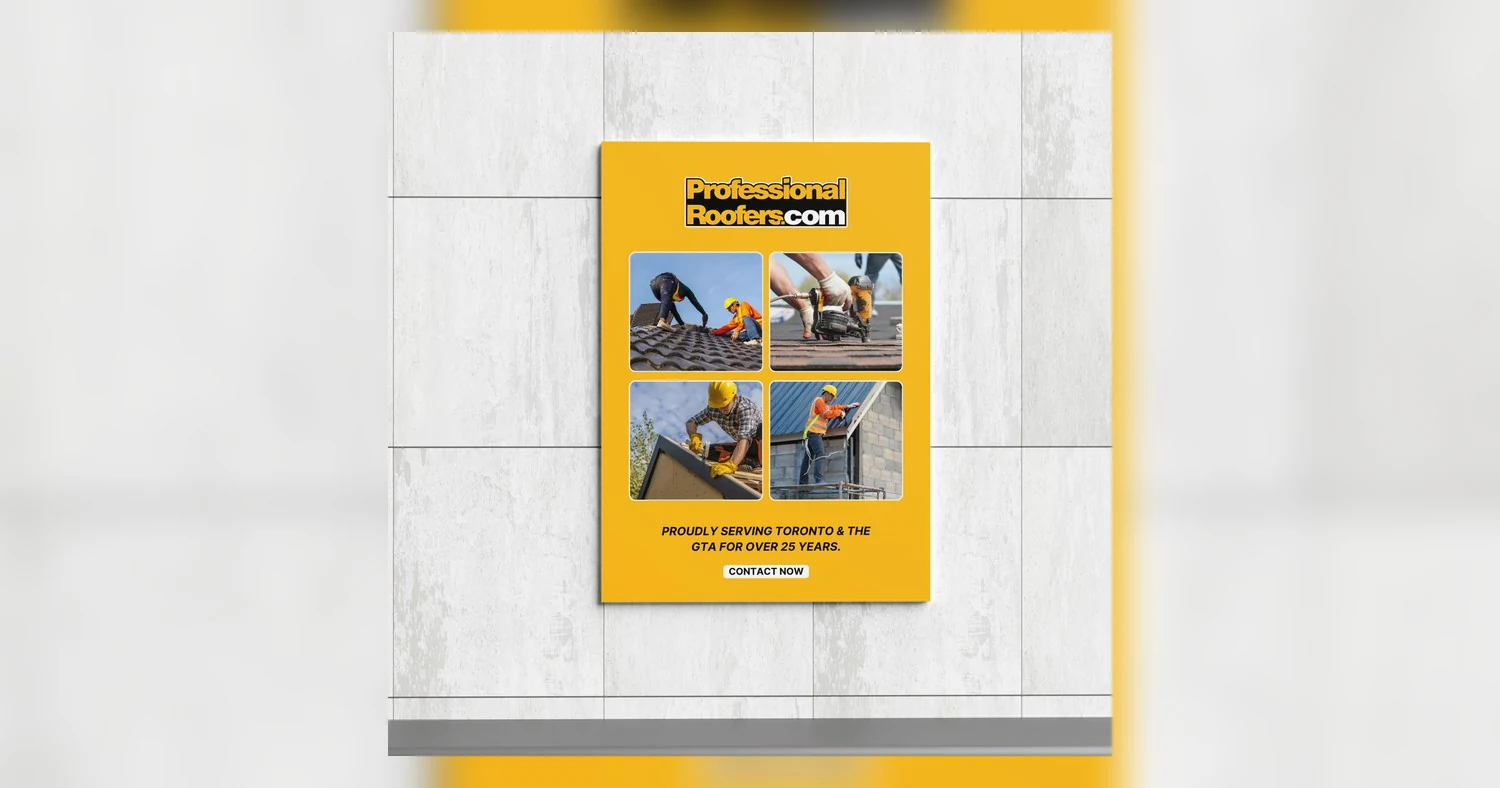
The best buy usually comes from matching size, stock, and finish to the space. A poster that looks fine in a proof can fall flat on the wall if it is too small for the viewing distance, too glossy for bright lights, or printed on the wrong material for the setting. Retailers, event teams, schools, property managers, and construction crews all use large format poster printing for the same reason: it gives them a fast, visible, and cost-conscious way to communicate. In Toronto and Etobicoke, where campaigns often move quickly, the smartest order is the one that fits the space, the timing, and the install conditions from the start.
Where large format poster printing adds the most value
Large format poster printing works best when you need a message that is easy to notice, simple to replace, and cheaper than a long-term sign. It sits between small handouts that disappear at a distance and rigid displays that cost more but last longer. For temporary promotions, schedule changes, directional messaging, and event graphics, posters are often the most practical choice.
Common business uses
- Retail: Window promotions, clearance messages, seasonal campaigns, in-store wayfinding, and product launches that change frequently.
- Trade shows and events: Booth graphics, sponsor boards, presentation headers, agenda signs, and short-run branding for one-day or multi-day events.
- Schools and campuses: Open house signage, department announcements, student displays, graduation graphics, and notices that need fast updates.
- Property management: Leasing messages, amenity notices, lobby updates, move-in instructions, and temporary signage across multiple buildings.
- Construction and facilities: Safety notices, site instructions, public-facing information boards, and temporary directional signs.
When posters beat smaller prints
If people are more than a few feet away, letter-size prints lose impact quickly. A flyer can work at a counter or desk, but it does not carry well across a lobby, storefront, corridor, or event aisle. That is where large format poster printing earns its place. The larger canvas gives your headline, image, and call to action enough presence to cut through background noise and movement.
When a rigid board is the better choice
Paper posters are the best value for walls, frames, and protected indoor displays, but they are not a good fit when the piece will be handled often, stood on an easel, or exposed to weather. In those situations, foam board, coroplast, or another rigid substrate is usually the better investment. If the display needs structure, moisture resistance, or repeated transport, poster paper alone is often the wrong product.
How to choose poster size by viewing distance
Poster size should be driven first by how far away the sign needs to be seen, then by the venue itself. Ceiling height, aisle width, placement, and traffic flow all matter, but viewing distance gives you the fastest way to narrow the choice.
Use distance as the starting point
At 3 to 5 feet, 18 x 24 inches is usually enough for notices, menus, and close-range displays. At 5 to 10 feet, 24 x 36 inches is the most versatile standard for retail walls, event signage, and school halls. At 10 feet and beyond, 36 x 48 inches or larger usually gives the message enough scale to stay visible in open spaces. Many print shops offer these common poster sizes because they work across a wide range of commercial uses, but the right format depends on where people see the sign.
Read the room before you choose the size
Narrow aisles and crowded booths can make oversized posters feel awkward. In those settings, a 24 x 36 portrait layout often reads better than a wider sign because it keeps the headline near eye level without blocking movement. In a tall lobby or open retail environment, a smaller poster may look undersized even if the copy is readable. In that case, a larger format with more breathing room is usually more effective than a dense layout forced into a smaller frame.
Booth placement matters too. A back wall can support a larger piece because visitors see it from the aisle. A sign placed on a registration table needs to stay lower and shallower so it does not interfere with staff visibility or customer flow. When comparing large format poster printing options, think about how the piece is approached, not only how it looks in a file preview.
Portrait, landscape, and common sizing mistakes
- Choose portrait for doors, easels, hallways, and content that reads from top to bottom.
- Choose landscape for wide counters, wall spaces, and graphics scanned from left to right.
- Common mistake: choosing size based on the artwork you already have instead of the space it needs to fill.
- Common mistake: putting too much text on a large poster and expecting size to solve poor hierarchy.
- Common mistake: forgetting about frames, stands, or trim lines that reduce the visible area.
Paper, foam board vs coroplast: which stock fits the job
The right stock depends on how long the sign will be used, how often it will be handled, and whether it will face moisture, dust, or wind. For most commercial projects, paper is the lowest-cost indoor choice, foam board gives a clean presentation surface, and coroplast is the most practical temporary outdoor solution.
Quick comparison
| Material | Structure | Durability | Best use | Cost |
|---|---|---|---|---|
| Paper poster stock | Light, flexible, needs mounting or framing | Best indoors, can crease or curl if handled often | Retail promos, event posters, lobby notices, school displays | Lowest |
| 4 mm foam board | Light but rigid, smooth presentation surface | Good indoors, corners can dent, not ideal for rain | Easels, trade show graphics, presentations, real estate interiors | Low to medium |
| 4 mm coroplast | Very light, semi-rigid fluted plastic | Water resistant and more durable outdoors than foam board | Construction signs, lawn signs, temporary exterior wayfinding | Low to medium |
| PVC board | More rigid and heavier than foam board | Stronger long-term durability, suitable for tougher interiors | Branded fixtures, semi-permanent displays, polished signage | Medium |
| Aluminum composite panel | Rigid and sturdy | Excellent outdoors and resists warping well | Longer-term exterior signs and property identification | Highest |
How to decide in plain language
Choose paper when the poster will sit in a frame, behind glass, or on a wall for a short campaign that changes often. It is the most efficient option for indoor marketing that needs frequent refreshes.
Choose 4 mm foam board when presentation matters more than ruggedness. It gives posters a clean, finished look for easels, event registration, and retail displays, but it is still meant for dry indoor use.
Choose coroplast when the piece needs to handle moisture, outdoor air, or repeated temporary use without the expense of metal. For construction sites, parking directionals, and short-term exterior notices, coroplast is usually the more sensible choice than paper or foam board.
Avoid overbuying the material
A common mistake in large format poster printing is paying for a rigid outdoor board when the piece will only sit indoors for two days. Another is ordering paper for an entrance or site location that will be exposed to humidity, rain, or wind. The lowest-cost sign is not the one with the smallest unit price. It is the one that lasts long enough to do the job without early replacement.
Finish options that affect glare and readability
Finish has a major effect on how a poster performs once it is installed. Matte reduces glare, gloss boosts color, and satin or semi-gloss sits between the two. The best choice depends on the lighting, the amount of text, and how close people will stand to the piece.
How each finish behaves
Matte is the safest option for bright rooms, classrooms, hallways, and lobbies with mixed lighting. It softens reflections and helps text stay readable from different angles. If the poster contains charts, smaller type, or technical information, matte usually gives the most consistent result.
Satin and semi-gloss are strong all-purpose choices for retail posters, event signage, and branded graphics. They keep color lively without the strong reflections that can appear on full gloss. That makes them a useful balance for spaces where people view the sign from different directions.
Gloss creates the strongest color and image depth, which works well for photography-heavy posters. The downside is reflection. Near windows, show lights, or overhead fixtures, gloss can hide logos, faces, and copy at certain angles. For that reason, gloss is usually best when the lighting is controlled.
Choosing finish by content type
- Matte: Wayfinding, notices, schedules, maps, and copy-heavy layouts.
- Satin or semi-gloss: Retail promotions, event graphics, and most branded posters.
- Gloss: Controlled indoor settings where photography and color impact matter most.
If the poster will be framed behind glass, a matte or satin finish can reduce the layered reflection effect. If it will sit near a storefront window or under ceiling spotlights, ask how the finish will react to those conditions before approving the final proof.
Artwork setup that keeps print quality sharp
Good artwork setup is what keeps large prints looking crisp. The main requirements are simple: build the file at the correct size, include bleed if the design runs to the edge, keep important content inside safe margins, and provide the right resolution or vector format for the image type.
File size, bleed, and safe margins
If the design prints edge to edge, include bleed so the final trim does not leave thin white borders. Many shops ask for 0.125 in to 0.25 in, but the exact requirement may vary. Keep text, logos, and critical details away from the edge so trimming does not crowd the design. If the poster is going on foam board or another rigid panel, give the border a little extra room so the image still looks balanced after mounting.
Resolution and color
For photographic posters, 150 to 300 ppi at final size is the usual working range, depending on how close viewers will stand to the piece. Large graphics are often seen from farther away, so clean source files can still look sharp at lower effective resolution than a small print. A blurry image at a small size will only look worse when enlarged.
Use CMYK when the printer requests it, and embed or outline fonts to prevent substitutions. If brand colors matter, ask for a proof or a color-managed check before printing the full run. That is especially helpful when the poster needs to match packaging, signage, or other marketing materials.
Vector files, CAD output, and technical drawings
Vector artwork is best for logos, icons, line art, and many architectural graphics because it scales without pixelation. PDFs, EPS, and AI files are common starting points. CAD drawings, site plans, and engineering sheets should be exported to PDF at the intended size whenever possible so line weights and labels remain legible.
For technical posters, sharp lines are only part of the job. Annotation clarity, legend readability, and scale accuracy matter just as much. If the piece is for a job site, facilities board, or engineering review wall, confirm those details before sending the file. If the poster also needs a mounted presentation format, pairing it with 4mm foam board can make it easier to display and handle.
Pricing and turnaround factors for Toronto and Etobicoke orders
Poster pricing depends on size, quantity, stock, finishing, proofing, and turnaround speed. For poster printing Toronto orders and large format printing Etobicoke projects, the quote gets clearer once the printer knows where the posters will be used, how many are needed, and whether they need mounting or extra finishing.
What changes the quote
- Size: Larger formats use more material and more production time.
- Quantity: Higher volumes usually reduce the per-piece price.
- Stock: Paper, synthetic media, foam board, and coroplast each have different costs.
- Finishing: Trimming, laminating, mounting, and edge work add labor.
- Proofing: Digital proofs are usually fast, while printed proofs take more time and budget.
- Rush work: Same-day or next-day schedules may require priority production and fewer finishing options.
How to make quoting faster
The quickest quotes come from complete details: final size, quantity, indoor or outdoor use, preferred stock, finish, and deadline. If the posters are part of a launch, event, or property campaign, it also helps to note whether installation is wall-mounted, framed, used on an easel, or placed outdoors. That information cuts back-and-forth and leads to a more accurate recommendation.
For repeat campaigns, keep an approved production package on file. Standardizing size, stock, finish, and brand color references makes reordering easier and reduces the chance of avoidable revisions. It also helps when several people touch the project over time, such as marketing, operations, and procurement.
Timing and revision realities
Simple poster jobs can move quickly, but custom sizes, mounted pieces, and color-critical work may need more time. The most common delay is artwork revision after proof approval, so it is worth checking spelling, crop marks, logos, and contact details before signing off. If the project is urgent, ask which production choices are available without slowing the timeline.
Handling, storage, and installation mistakes to avoid
Bad handling can ruin a good poster faster than bad design. Curl, moisture, heat, edge damage, and weak mounting methods can make a clean print look cheap within hours, especially in storefront windows, school corridors, event floors, and outdoor job sites.
Before installation
Do not hang rolled prints the moment they arrive. Let them acclimate to the room first, especially if they came from winter delivery conditions in Toronto or Etobicoke. Cold prints can collect condensation when brought into a warm space, which can cause waviness or adhesive issues.
- Unroll curled posters and lay them flat under clean weights, or reverse-roll them gently with a protective sheet.
- Check corners, trim accuracy, and surface scuffs before mounting.
- Keep indoor prints away from direct sun through windows when possible.
- Remember that foam board is best for dry indoor use and can warp or fail if exposed to rain or heavy humidity changes.
Storage and transport
Store rolled prints in tubes if they are not needed right away. Keep rigid pieces flat, supported, and off damp floors. Do not leave boards leaning in a hot van or stack heavy hardware on top of them. That is how edges dent, boards warp, and lamination begins to lift.
- Use corner protection for foam board and mounted prints.
- Keep materials in a dry, climate-controlled area.
- Label tubes by event date or panel sequence to avoid confusion on site.
- Never place heavy items directly on top of finished posters.
On-site mounting
For indoor walls, test the surface first. Dust, fresh paint, textured brick, and some plastics are common reasons tape or adhesive fails. Clean the area, use the right mounting method for the substrate, and apply even pressure from the center outward to prevent bubbles.
For outdoor installs, wind load matters as much as print quality. Paper posters taped to fences or plywood rarely last. If the sign will face rain, sun, or gusts, move to a more suitable outdoor substrate and secure it at multiple points. Do not depend on light adhesives alone for exterior use.
A simple rule helps prevent most problems: prep the print the day before, not in the parking lot. That one habit reduces curl, moisture, and rushed mounting mistakes.
Before placing an order, confirm five items with your print shop: finished size, viewing distance, indoor or outdoor use, preferred stock, and whether the artwork contains photos, logos, or technical drawings. That short checklist prevents the most common mistakes, including unreadable type, glare under show lights, curled paper, and outdoor boards that fail too early.
If you are comparing vendors or need a fast commercial quote, send the artwork, quantity, deadline, and install details with your size list, then review the available large format poster options so pricing and production advice stay accurate without overbuying materials.
Related Products and Services
If you are planning a similar project, these related options may help.
Helpful External Resources
These sources provide supporting background and additional context.
-
What sizes are most common for large format poster printing?
The most common sizes are 18 x 24, 24 x 36, 36 x 48, and 48 x 72 inches. For retail displays, school notices, and event signage, 24 x 36 is often the most useful choice because it is large enough to stand out and still easy to mount or frame. Custom sizes are also available when you need a tighter fit.
-
Is foam board or coroplast better for indoor and outdoor posters?
Foam board is usually better for indoor displays because it is lightweight, smooth, and gives a clean presentation on easels or at check-in points. Coroplast is better for outdoor use because it is water resistant and handles temporary exposure to weather more reliably. If the poster will be outside, coroplast is generally the safer option.
-
How should I prepare artwork for large format poster printing?
Set the file to final size, use CMYK color mode when requested, and keep the resolution in the 150 to 300 DPI range at final output size. Include bleed if the design runs to the edge, and keep text and logos away from the trim line. Export a print-ready PDF whenever possible to reduce setup errors.
-
How fast can Toronto or Etobicoke poster printing be completed?
Turnaround depends on size, quantity, stock, and finishing, but many standard poster orders can be completed the same day or next business day if the artwork is ready to print. Rush service may be available for local pickup or delivery. Simple paper posters usually move faster than mounted or laminated pieces.
-
Which finish should I choose for large format poster printing?
Matte is best when glare control and readability matter most. Satin or semi-gloss is a good all-purpose choice for retail and event graphics because it balances color and visibility. Gloss works best in controlled lighting when you want the strongest color impact, especially for photo-heavy designs.
Get a Free Quote Today
Contact us at +1-(416) 288-8661 or Email us at info@Brandingcentres.com and let's get started.