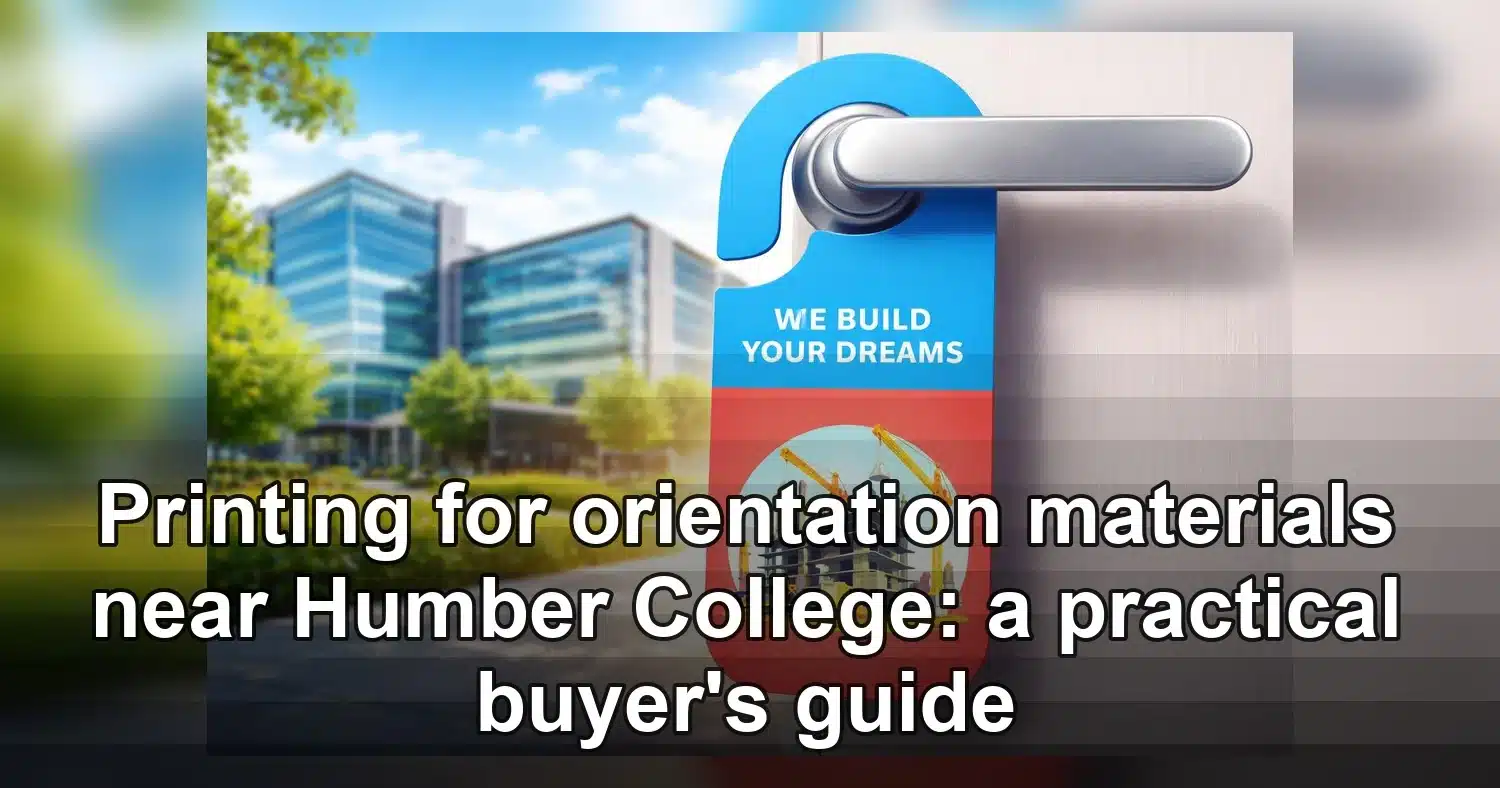
If you need printing for orientation materials near Humber College, the best results usually come from planning the print job like part of the event itself, not as an afterthought. Orientation kits, welcome folders, maps, schedules, and handouts all need to arrive on time, look consistent, and be easy for students or guests to use the moment they pick them up. A local print partner can help you stay on schedule by handling proofing, finishing, pickup, and delivery without forcing you to manage every detail in-house.
Last updated: April 2026

That matters most during the start of term, when everyone is trying to finalize room assignments, volunteer lists, and welcome messaging at the same time. Humber also publishes academic printing information, which is a useful reminder that print workflows on or near campus can become time-sensitive when demand is high. If your materials need to be produced off campus, a nearby commercial printer can give you more flexibility with volume, finishing, and delivery while still keeping the job close enough for fast pickup or quick corrections.
What orientation packets should include
The strongest orientation packets answer the most common questions before anyone has to ask them. For printing for orientation materials near Humber College, that usually means building a packet that is useful at check-in, easy to carry, and clear enough that students can find the right page quickly. The goal is not to pack in every possible detail. The goal is to give each attendee the right next step in a format they can use immediately.
Core pieces to include
- Welcome letter or cover sheet with the event name, date, location, and main contact.
- Schedule or agenda that lists sessions, break times, and room numbers.
- Campus map or wayfinding sheet with building names, entrances, and accessibility notes.
- Program overview for students, volunteers, staff, or guests.
- FAQ page covering transit, parking, check-in, Wi-Fi, food, and who to contact for help.
- Forms or inserts for waivers, registration, emergency contacts, or sign-ups.
If the packet is for first-year students, include practical next steps such as where to find support services, how to complete required forms, and what to bring on the first day. If it is for volunteers, add shift assignments, escalation contacts, and a short script for common questions. If it is for a partner or sponsor table, use a smaller set of handouts that focuses on logistics, branding, and schedule details.
Keep the order simple and useful
Put the most urgent information first. A cover sheet, a one-page schedule, and a short map are usually more valuable at check-in than a long introduction. Use section headers, short paragraphs, and visible bullets so the packet works in a busy room or hallway. If the event will hand out hundreds of copies, the content should still be readable when someone flips through it quickly.
When the packet needs a more polished look, a branded cover sheet or a custom printed flyer can make the material feel organized without adding much cost or complexity. If the packet will be carried around all day, heavier cover stock can also help the materials hold up better in backpacks and tote bags.
Specs that keep printing for orientation materials near Humber College on schedule
The quickest print jobs are usually the ones that arrive ready to produce. For printing for orientation materials near Humber College, the most reliable way to avoid delays is to confirm the size, bleed, resolution, and finishing before the files are sent. Small setup mistakes can slow down production more than the actual print run does, especially when several pieces are being assembled into one orientation package.
Production specs worth checking twice
- Paper size: Use standard sizes such as 8.5 x 11 in. for packets and 5.5 x 8.5 in. for smaller inserts unless a custom size is truly needed.
- Color mode: Build files in CMYK so printed colours are closer to the final result.
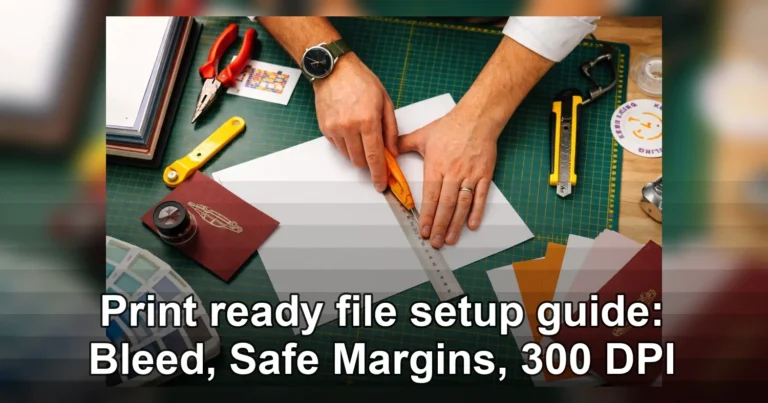
- Bleed: Add 0.125 in. on all sides if the artwork runs to the edge.
- Safe area: Keep text and logos at least 0.25 in. away from trim.
- Resolution: Use 300 dpi images and graphics for clean print quality.
Paper stock should match the job. Lightweight text paper is practical for large distributions, while thicker cover stock works better for covers, divider sheets, and pieces that will be handled repeatedly. Matte and uncoated stocks are often easier to read under bright indoor lighting, which makes them a strong choice for schedules, maps, and instructions. Glossy stock can look sharp for promotional pieces, but it is not always the easiest option for handouts that need to be read fast.
File habits that reduce back-and-forth
Export a print-ready PDF, embed fonts, and make sure linked images are high resolution. If the job includes multiple pages, confirm the page order before sending the files. When a packet will be stapled, folded, or collated, a small page-order error can create a major delay. If the design includes QR codes, test them at the actual printed size rather than assuming they will scan once printed.
It also helps to keep one clean master version of each file. If different audiences need different details, save each version with a clear name so the printer can tell which file belongs to which group. That is especially important for campus jobs, where a program guide, volunteer sheet, and student welcome packet may all be produced at the same time.
Flyers, inserts, folders, or booklets
The best format depends on how much information you need to include and how the materials will be handed out. Flyers are ideal for single-message handouts, inserts work well inside welcome kits, and mini booklets are best when the content needs to be organized into sections. For printing for orientation materials near Humber College, choosing the right format can save both money and time because the job becomes easier to print, sort, and distribute.
| Format | Best use | Typical length | Strengths | Watch-outs |
|---|---|---|---|---|
| Flyer | Event reminders, quick schedules, one main message | 1 page | Fast to print, low cost, easy to hand out | Limited space if too much information is added |
| Insert | Orientation packets, folders, registration kits | 1 to 2 pages | Fits neatly into larger packages, easy to update | Can get overlooked if not clearly organized |
| Folded piece | Maps, program overviews, FAQ sheets | 2 to 6 panels | Compact and easy to navigate | Panel order must be set correctly before print |
| Mini booklet | Welcome guides, multi-step instructions, detailed schedules | 4 to 16 pages | Organized, polished, and easy to keep | Needs careful pagination and binding setup |
How to choose the right mix
If the goal is quick distribution at a table or check-in desk, a flyer plus one insert is often enough. If the event needs a more complete welcome package, use a folded overview for the main facts and a short booklet for the rest. Many campus teams near Humber College use a simple combination: one branded cover, one schedule, one map, and one detailed guide. That structure is easy to assemble and still feels professional.
When the piece is meant to make a stronger impression, specialty formats can help. A more premium insert or a keepsake piece like a kraft paper announcement can be useful for staff events, open houses, or donor-facing orientation programs. For follow-up reminders, a durable add-on such as a cut-to-shape magnet may be more practical than another page in the packet, especially if the event details need to stay visible after students leave campus.
If the handout will be distributed in large quantities, keep the design simple and avoid anything that slows production, such as excessive folds, unusual cuts, or unnecessary page count. Clear structure usually beats decorative complexity for orientation materials.
Turnaround times, pickup, and delivery
Tight deadlines are normal for orientation season, which is why the safest print plan is to work backward from the distribution date. Build in time for proof review, production, pickup or delivery, and one backup day in case something changes. The biggest problems usually come from late approvals or missing file details, not from the print run itself.
Plan around proof approval
Small jobs may be completed in a day if files are final and fully print-ready. Larger projects, or orders that include folding, stapling, or binding, need more time. If you are combining multiple pieces in one order, such as flyers, inserts, and promotional add-ons, approval should happen early enough that the printer can schedule all parts together. Waiting even one extra day for sign-off can push pickup past your setup window.
Decide between pickup and delivery
Pickup is best when the team needs the materials in hand for stuffing packets, sorting by audience, or distributing directly on campus. Delivery is better when the staff is busy with room setup, volunteer coordination, or multiple drop points. If the order is large, ask whether the printer can deliver to an office, residence desk, or event location rather than a single front desk.
For Humber-area jobs, proximity can make a real difference. Local production reduces transit risk, and it makes it easier to handle a last-minute proof correction or small replacement run. Humber’s own academic printing guidance is also a good reminder that campus print timelines often depend on file readiness and queue timing, so planning early always helps.
Useful deadline buffer
- Simple one-sided flyers: allow at least 1 business day after proof approval.
- Multi-page packets: allow 2 to 4 business days.
- High-volume or special finishing jobs: allow 4 to 7 business days.
- Rush event work: confirm cut-off time, approval deadline, and pickup window before sending files.
What affects pricing for bulk welcome materials
Bulk pricing is driven mostly by quantity, paper choice, ink coverage, finishing, and how many versions you need. The best savings usually come from standardizing one design and printing enough copies to reach a lower per-piece tier. For printing for orientation materials near Humber College, the goal is to keep the job efficient without sacrificing clarity or durability.
Main cost drivers
- Quantity: Larger runs usually lower the unit price.
- Paper stock: Heavy cover stock or specialty paper costs more than standard text paper.
- Ink coverage: Full-bleed, photo-heavy layouts often cost more than simple one- or two-colour designs.
- Finishing: Folding, drilling, stapling, binding, and collating add labour.
- Customization: Personalized inserts, variable data, or multiple versions increase setup time.
Where bulk orders save the most
Bulk orders are most efficient for materials that do not need individual customization, such as orientation packets, campus handouts, and event flyers. A single clean version printed in a larger quantity is usually cheaper per piece than several small reprints. If your budget is tight, start with the most essential piece and build the rest of the package around it rather than producing many separate items in tiny quantities.
Standard sizes are also easier on the budget. Custom die-cuts, specialty folds, and unusual page sizes can be worth it for select pieces, but they should be used only when they support the communication goal. A straightforward flyer or brochure often gives the best return when the main job is simply to get information into students’ hands quickly.
How to keep costs under control
Use one core design, keep the format simple, and avoid last-minute content changes. If different audiences need different details, group them into a small number of versions rather than creating a new file for every table or department. That approach reduces setup costs and makes reprints easier if the headcount changes.
File setup, proofing, and common mistakes
A clean file set is the best protection against delays. Most print problems come from issues that can be spotted before production begins, such as missing bleed, low-resolution images, incorrect page order, or a proof that was approved too quickly. When the deadline is fixed, every revision matters.
Prepress checklist
- Set the final size before exporting.
- Use 300 dpi images instead of web-sized graphics.
- Keep all key text inside safe margins.
- Add bleed where artwork runs to the edge.
- Embed or outline fonts to avoid substitution.
- Check page order for multi-page packets.
- Export the file in the requested format, usually PDF.
Proofing steps that prevent reprints
Review every date, room number, contact name, sponsor name, and QR code before approving the proof. A single wrong location or schedule time can create expensive corrections at the worst possible moment. If the project includes multiple audiences, compare each version carefully so the right message goes to the right group.
It also helps to choose one final approver. Too many reviewers can slow the job and create conflicting edits. Decide in advance who has the authority to sign off so the printer receives one clear answer rather than several partial comments.
Common mistakes to avoid
- Uploading low-resolution logos taken from a website.
- Submitting RGB files when CMYK was requested.
- Forgetting bleed on full-colour pieces.
- Leaving hidden layers, interactive fields, or extra pages in the PDF.
- Approving a proof without checking the back side or final page.
These are small issues on screen but expensive ones once production begins. A few extra minutes spent checking the file usually saves more time than a last-minute reprint.
How to choose a local print partner near Humber College
The best print partner is the one that can handle your exact mix of orientation packets, campus handouts, and welcome materials without creating extra coordination work. Near Humber College, that often means looking for a printer with a practical product range, clear proofing steps, and reliable turnaround when event week gets busy.
Build a short list first
Start with two nearby commercial printers and, if needed, a campus option for lighter jobs. Humber already provides academic printing resources, but organizers who need branded packets, sponsor pieces, or multiple finishing options often benefit from a local shop with more production flexibility.
- One vendor within easy pickup distance of North Campus or Lakeshore.
- One backup vendor that can still fit the timeline if the first shop is full.
- One printer that can bundle several items in the same order rather than handling only single-sheet jobs.
Ask questions that affect real-world use
- Can you handle mixed quantities in one order, such as packets, inserts, and posters?
- What is your proof approval process, and who signs off before print?
- Do you offer pickup or delivery windows that match event setup times?
- Which finishing services are done in-house?
- What happens if one part of the order needs a reprint close to orientation day?
Use a simple decision filter
Choose the printer that gives the clearest quote, confirms the timeline in writing, and understands how the materials will actually be used on campus. If two prices are close, pick the partner that can sort by residence, department, or volunteer team. That saves far more time than a tiny price difference.
Before placing the order, finalize quantities, group items by audience, and send print-ready files with trim, bleed, and proof notes clearly marked. If you are comparing options, start with a straightforward flyer format and build from there. A well-planned print order keeps printing for orientation materials near Humber College efficient, readable, and ready to hand out without last-minute stress.
Related Products and Services
If you are planning a similar project, these related options may help.
Helpful External Resources
These sources provide supporting background and additional context.
- Academic Printing
- Bulk Printing
What should be included in orientation packets for Humber College events?
Include a welcome sheet, schedule, campus map, contact list, FAQ page, and any forms or inserts students need right away. For printing for orientation materials near Humber College, keep the packet short enough to scan quickly and organized so the first page answers the most urgent questions.
How long does printing for orientation materials near Humber College usually take?
Simple flyers can often be completed in about a business day after proof approval, while multi-page packets and finished pieces usually need more time. If you need folding, stapling, or a rush turnaround, confirm the timeline before sending files so there is enough room for proofing and production.
What file specs work best for campus handouts and welcome materials?
Use a print-ready PDF, CMYK colour mode, 300 dpi images, and the correct final size. If your artwork goes to the edge, include bleed, and keep text inside safe margins. Clean file setup is one of the easiest ways to avoid delays and reprints.
How can I estimate bulk printing costs for orientation materials?
Pricing usually depends on quantity, paper type, colour coverage, finishing, and whether you need multiple versions. Larger print runs usually lower the unit cost, so it helps to combine similar handouts into one order instead of splitting them into several small jobs.
Should I choose flyers, inserts, or booklets for orientation handouts?
Use flyers for short messages and quick reminders, inserts for packet materials, and booklets when you need several pages of structured information. The right format depends on how much detail you need to share and how the materials will be distributed at the event.
Get a Free Quote Today
Contact us at +1-(416) 288-8661 or Email us at info@Brandingcentres.com and let's get started.