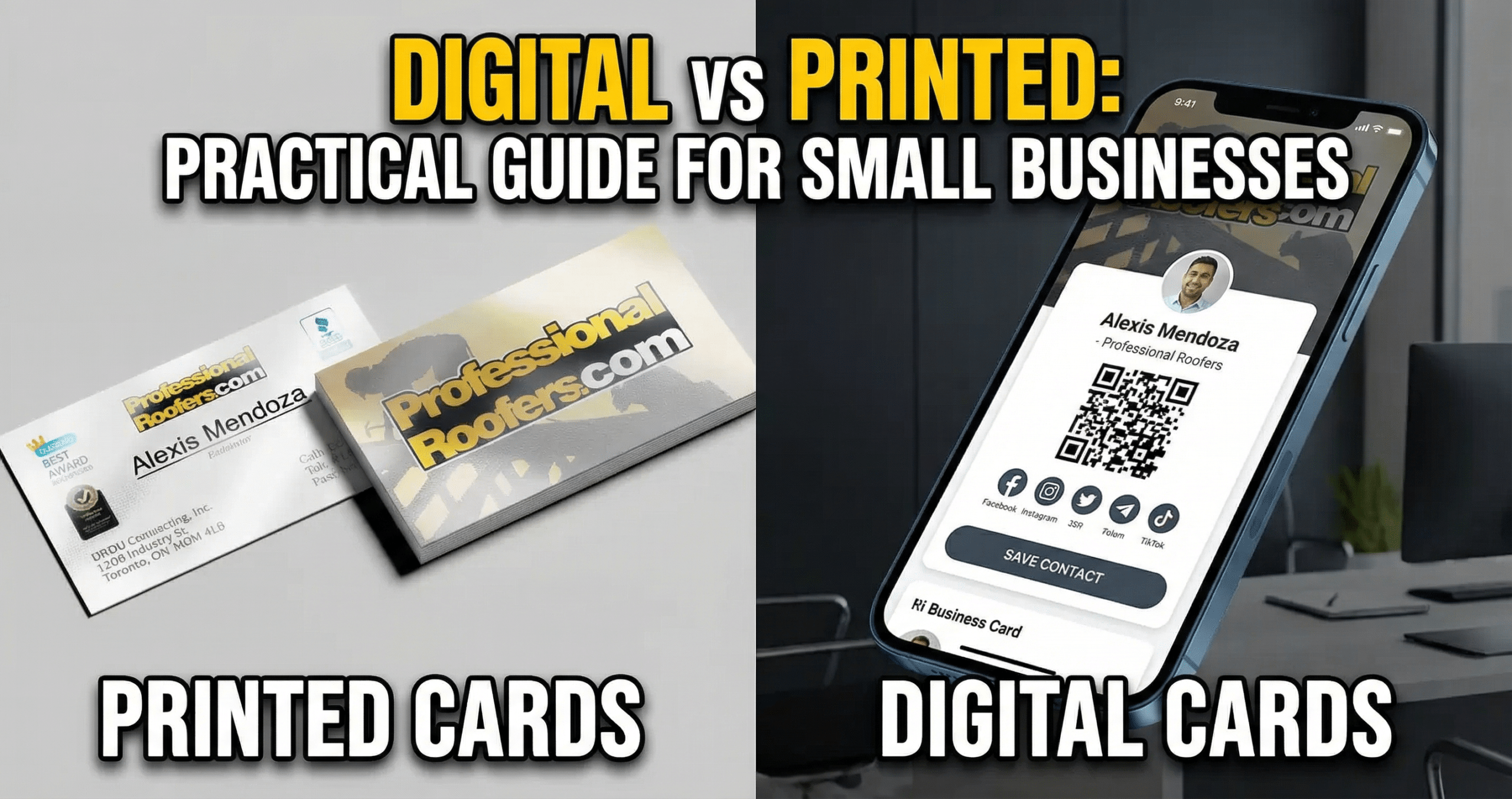
Digital Business Cards are changing how small business owners introduce themselves, follow up, and keep contacts organized. In a world where networking happens by phone, email, QR scan, and social profile as often as by handshakes, the best card is the one people can save, share, and act on quickly. Many businesses now use digital cards alongside premium print options like gloss laminated business cards to keep branding consistent across every first impression.
Last updated: March 2026
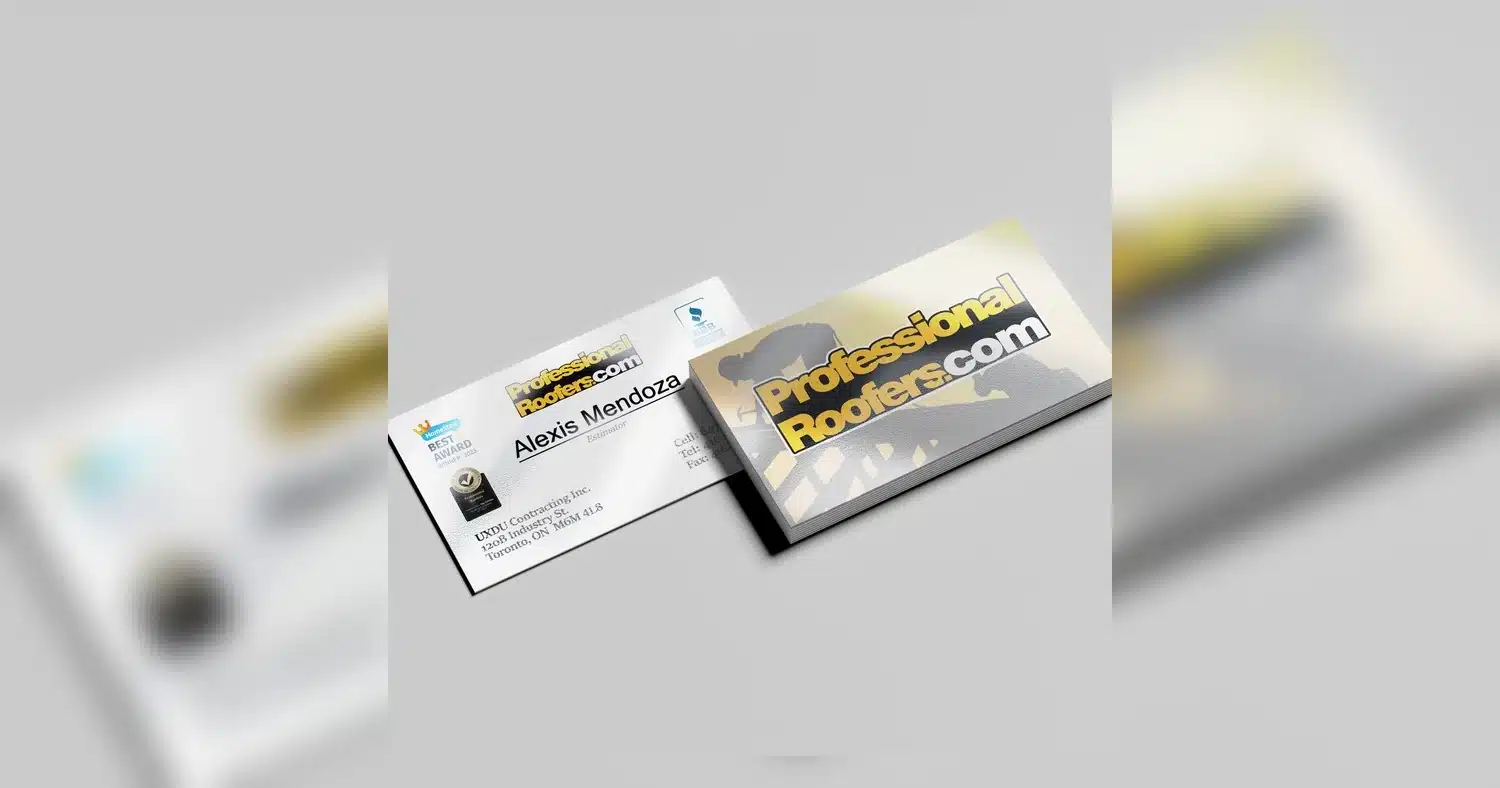
For small businesses, the decision is no longer just about paper versus pixels. It is about speed, cost, sustainability, measurability, and how easily a card fits modern networking habits. Industry discussions such as this comparison of digital and printed business cards show why many teams are adopting a hybrid approach that blends convenience with brand presence.
Below, you will find a practical breakdown of how each format works, where each one performs best, and how to choose the right mix for your budget, your staff, and your growth goals.
Why small businesses are shifting to Digital Business Cards
Small business owners are adopting Digital Business Cards because they make everyday networking faster and more practical. Instead of handing over a printed card that can be misplaced, a digital card can be shared instantly by QR code, NFC tap, text, email, or a link. That speed matters when you are meeting prospects at events, on job sites, or during quick in-person conversations.
Cost efficiency is another major driver. Printing new gloss laminated business cards or other premium finishes can be worthwhile, but small businesses often need frequent updates for phone numbers, social handles, team members, or service areas. Digital cards reduce reprint waste and make changes immediate, which helps keep marketing materials current without recurring print costs.
Environmental impact also plays a role. Many owners want to reduce paper use and avoid stacks of unused cards sitting in drawers or being discarded after one meeting. A digital-first approach supports a cleaner brand image and can align with sustainability goals that matter to customers.
Analytics is a further advantage. Traditional Business Cards usually end the moment they are handed out, but Digital Business Cards can show views, clicks, shares, and follow-up actions. That data helps small businesses understand which outreach channels are working and which contacts are engaging. For a broader look at the market shift, see this comparison of paper versus digital QR code business cards.
Networking behavior has changed too. People now expect mobile-friendly, contactless ways to connect, especially after remote work normalized digital-first communication. A card that opens a profile, website, booking link, or social page fits that behavior better than a static piece of paper.
How Digital Business Cards work: technologies, formats, and integrations
Digital Business Cards use a few common technologies to share contact details quickly and reliably. The most familiar option is a QR code, which a recipient scans with a phone camera to open a mobile profile, landing page, or contact file. NFC cards use a small embedded chip that triggers the same action when tapped against a compatible smartphone. Both methods are simple for the receiver and require very little setup.
Another common format is a vCard link. This delivers contact information in a standard digital file that can be saved directly to a phone or address book. Many providers also offer app-based cards, where the sender manages details, branding, and analytics from a dashboard. Some small businesses pair digital profiles with premium print materials such as ultra smooth business cards or writable options for notes and follow-ups.
Common integrations
- CRM integrations to push leads into sales pipelines
- Social media links for Instagram, LinkedIn, Facebook, and more
- Website and booking links for appointments, quotes, or purchases
- Email marketing tools for follow-up campaigns
- Calendar and contact sync for faster relationship management
For sending, the requirements are straightforward: a smartphone, NFC tag or QR code, and an internet connection for live profile pages. For receiving, most people only need a camera-enabled phone or browser. If a business wants an offline backup, a downloadable vCard file or short link can provide a dependable fallback.
In practice, the best setup is one that balances convenience with flexibility. A well-built Digital Business Card should open fast, look good on mobile, and connect smoothly to the tools the business already uses.
Digital Business Cards vs Printed Business Cards: Side-by-Side Comparison
Choosing between Digital Business Cards and printed Business Cards often depends on how you network, how often your details change, and how much you value physical branding. This quick comparison can help small business owners weigh the tradeoffs.
| Factor | Digital Business Cards | Printed Business Cards |
|---|---|---|
| Cost | Usually lower over time because updates do not require reprints | Upfront print cost is predictable, but reprints add expense |
| Durability | Not physically worn out, but depends on phone access and connectivity | Can be bent, lost, or damaged, though some finishes last longer |
| Shareability | Easy to share by QR code, NFC, text, email, and link | Best for hand-to-hand exchange, with no built-in digital sharing |
| Branding flexibility | Highly flexible with video, links, buttons, and live updates | Strong visual impact, especially with premium stocks and finishes like AQ business cards |
| Accessibility | Accessible to mobile users, but may require basic tech comfort | Universally familiar and easy to read without a device |
| Analytics | Can track views, clicks, and follow-up activity | Usually no native tracking unless paired with a unique landing page |
For many small businesses, the best answer is not either-or. Printed cards still work well in formal meetings, local events, and places where physical branding matters. Digital cards shine when speed, tracking, and easy updates are priorities. A hybrid approach often gives the most value.
Design and branding best practices for digital and printed cards
Strong branding should look consistent across both digital and printed cards. Start with the same logo treatment, color palette, and contact details so customers recognize your business immediately, whether they scan a card on their phone or receive a printed version in person.
Keep the layout simple and readable
Use clear typography, enough white space, and a hierarchy that puts the name, role, and key action first. On digital cards, make the primary CTA obvious, such as “Book a call,” “Visit website,” or “Save contact.” On print, keep the front clean and use the back for supporting details if needed.
Design for both screen and paper
Choose fonts that are readable at small sizes and test them on mobile screens and in print. Avoid crowding the design with too many icons, social links, or decorative elements. If you want a polished tactile finish for physical handouts, consider products like gloss laminated business cards or a softer premium feel with ultra smooth business cards.
Use print strategically
Printed cards still matter for trade shows, client visits, and face-to-face networking where a physical leave-behind supports your brand. If your team needs room for handwritten notes, appointment reminders, or follow-up details, UV writable business cards can be a practical choice.
- Keep logo size balanced, not oversized
- Match colors across digital profiles and printed stock
- Use one clear CTA per card
- Test QR codes, links, and contact saving before publishing
When your Digital Business Cards and printed Business Cards share the same visual identity, your marketing feels more professional and memorable.
Cost, ROI, and scalability: choosing the right solution for your budget
For small businesses, the right choice often comes down to how you spend now versus what you save later. Printed Business Cards usually have a one-time design and print cost, which can be very economical for staff who only need a simple, stable contact card. Premium finishes such as gloss laminated business cards can add a polished brand feel without a major jump in unit cost.
Digital Business Cards often shift the spend to a recurring subscription or platform fee. That can feel more expensive at first, but the value grows when cards can be updated instantly, shared endlessly, and connected to lead capture or CRM tools. If your team changes titles, phone numbers, offers, or office locations often, digital cards can reduce reprint waste and save time.
Thinking in terms of ROI
ROI is not just about the card itself. It is about how many contacts are captured, how often the card is reused, and how quickly a lead moves into your pipeline. A printed card may deliver strong ROI at events where a tangible handoff matters. A digital card may deliver stronger ROI for sales teams that share a card many times per week and need analytics to track engagement.
For businesses that want a more refined printed format, options like ultra smooth business cards can support brand perception when the physical card is part of the sales message.
Scalability for growing teams
- Use printed cards when headcount is stable and contact details rarely change.
- Use digital cards when teams grow quickly or multiple people need the same brand system.
- Choose a hybrid setup when some roles need a physical handoff and others need fast online sharing.
As a business scales, digital cards are often easier to manage centrally because one brand update can roll out to the whole team. Printed cards still have a place, especially for premium presentations and face-to-face selling, but digital systems usually scale faster when marketing, sales, and operations all need consistent Business Cards across locations.
When to use printed cards, when to use digital cards, and hybrid strategies
The best choice depends on how and where your Business Cards are used. In many cases, printed cards work best when the interaction is physical, brief, and high-impact. Digital Business Cards work best when the contact is likely to continue online, get shared across teams, or be saved instantly on a phone.
When printed cards make sense
Printed cards are often the right fit for retail counters, local service businesses, and trade show booths where customers expect something tangible. They also work well in formal B2B meetings where a polished card supports trust and professionalism. If you want the card itself to reflect quality, finishes such as AQ business cards can create a clean, premium impression.
When digital cards make sense
Digital cards are especially useful for field sales, recruitment, networking, and remote teams. They are easy to share by text, email, QR code, or link, and they remove the risk of running out of cards during a busy event. They also fit well with the growing preference for paperless sharing noted in industry comparisons such as digital business cards versus printed business cards.
Hybrid strategies that work
- Events: Hand out printed cards at the booth and add a QR code to a Digital Business Card for instant follow-up.
- Retail: Use printed cards for checkout or loyalty signups, then send a digital card in post-purchase messages.
- Field sales: Carry a small stack of printed cards for in-person credibility, while using a digital card for fast sharing after meetings.
- B2B meetings: Bring premium printed cards for introductions and use digital cards to share brochures, booking links, or demo forms.
Hybrid use gives you the credibility of print and the flexibility of digital. For many small businesses, that balance delivers the strongest brand experience.
Implementation checklist and measuring success for your small business
Step-by-step rollout checklist
- Define your goal: networking, lead capture, team consistency, or brand presentation.
- Choose your format mix: printed, digital, or hybrid.
- Standardize contact details, titles, logos, colors, and calls to action.
- Create a simple share path, such as QR code, tap-to-share, or email signature link.
- Prepare staff training so everyone knows when and how to use the card.
- Test the user experience on different phones and browsers before launch.
- Roll out to a small group first, then expand once the process is stable.
What to measure
Track metrics that show real business impact, not just usage. Helpful measures include shares, QR scans, profile views, contact saves, form submissions, booked calls, and qualified leads. If you use printed cards, monitor reorders and distribution rates. If you use digital cards, review engagement data to see which team members and which messages perform best.
For printed cards, the choice of stock can also affect response. A card with a writable surface, such as UV writable business cards, can be useful for event notes, referral details, or quick personal touches that improve follow-up.
A/B testing ideas
- Test a QR code card against a simple URL card.
- Compare a contact-focused design with a lead-generation design.
- Try different calls to action, such as “Book a call” versus “Save my contact.”
- For printed cards, compare one finish or paper stock against another.
Training staff for better adoption
Keep training short and practical. Show staff when to share the card, how to introduce it naturally, and how to follow up after a scan or exchange. Give them a few standard phrases so the card feels like part of the sales process, not an extra task. When the team understands the goal, Digital Business Cards become a useful marketing tool rather than just another contact file.
The right choice depends on your goals: digital for instant sharing and tracking, printed for tactile brand impact, or both for maximum flexibility. If you want a polished, consistent look across formats, start with one strong design system and adapt it for each use case.
For small business owners ready to streamline networking, the smartest next step is to test both formats with real customers, then scale what drives the best results.
Related Products and Services
If you are planning a similar project, these related options may help.
Helpful External Resources
These sources provide supporting background and additional context.
Are Digital Business Cards secure and how is my contact data protected?
Yes, Digital Business Cards can be secure when your provider uses encryption, access controls, and privacy settings. You can usually choose what contact details to share, update them anytime, and avoid printing sensitive information that cannot be changed later.
Can I use a Digital Business Card if a contact does not have a smartphone or internet access?
Yes. Many Digital Business Cards include a QR code, short link, or NFC tap option, but you can also keep a printed card as a backup. If someone cannot access the digital version, you can still share your details manually or send them by email later.
Do Digital Business Cards fully replace printed business cards for small businesses?
Not always. Digital Business Cards work well for fast sharing, easy updates, and tracking engagement, but printed cards can still be useful at events, in face-to-face meetings, or with people who prefer paper. Many small businesses use both.
How much do Digital Business Cards cost compared to printing and what is the typical ROI?
Digital Business Cards often cost less over time because you pay once or use a low subscription instead of reprinting every time details change. The ROI can be strong since they reduce printing waste, save redesign costs, and make it easier to convert leads with instant sharing.
What are the main benefits of Digital Business Cards over printed cards?
Digital Business Cards can be updated instantly, shared in seconds, and linked to websites, social profiles, and lead forms. They also reduce paper use and make it easier to keep contact information accurate.
When should I still carry printed business cards?
It is helpful to carry printed cards when you expect offline networking, want a physical leave-behind, or are meeting people who may not want to use a phone to save your details. Printed cards can complement a digital-first approach.
Get a Free Quote Today
Contact us at +1-(416) 288-8661 or Email us at info@Brandingcentres.com and let’s get started.